5 Random Orbital Sander Mistakes (and How to Fix Them)
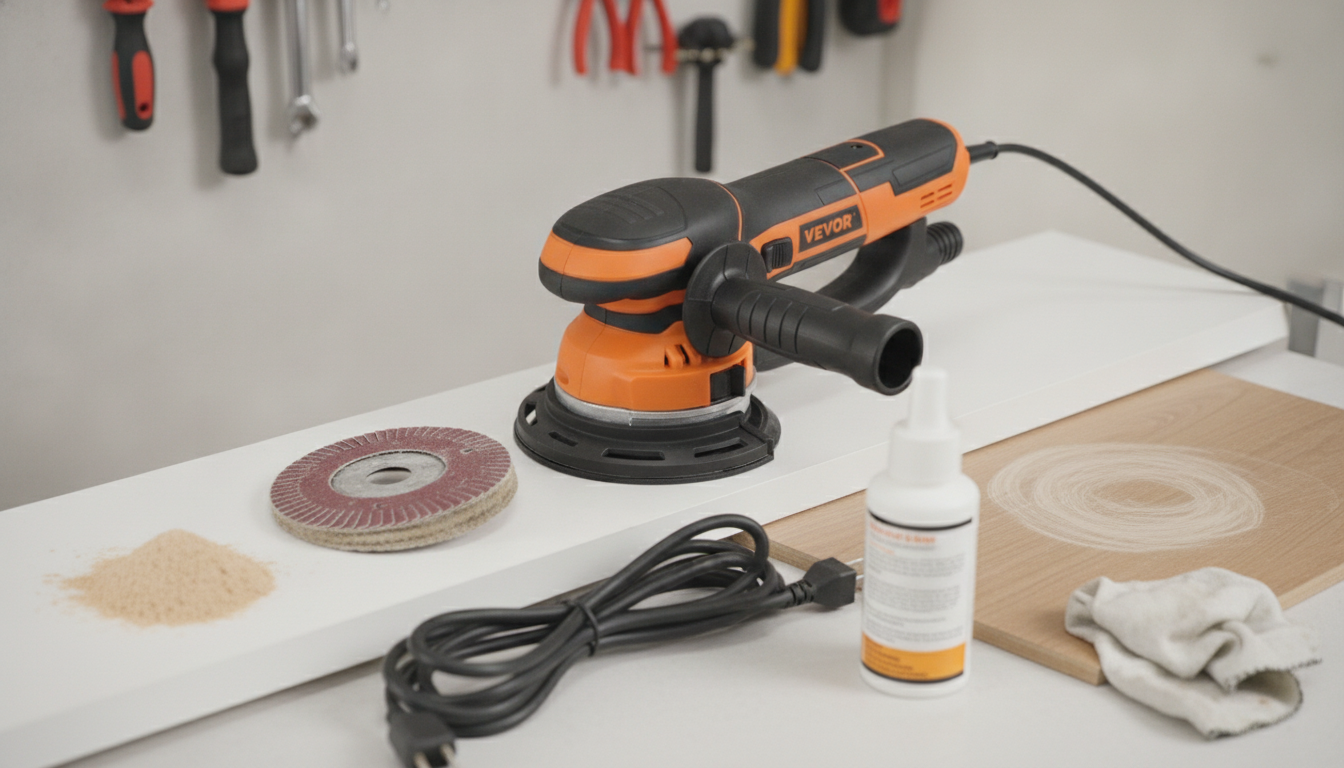
What are the 5 most common mistakes people make with a random orbital sander?
A random orbital sander can deliver a smooth, swirl-free finish fast—until a few common habits get in the way. These five mistakes show up most often and are usually easy to fix once you know what to watch for.
1) Pressing down too hard
Let the sander’s weight do the work. Extra pressure can stall the pad, create uneven scratch patterns, and leave pigtails or swirls that only show up after staining or finishing.
2) Skipping grits (or jumping too far)
Moving from a coarse grit straight to a fine grit saves time only on paper. Deep scratches from 60–80 grit won’t disappear under 180–220 grit; they get “polished” into the surface and become obvious later. Step through grits in reasonable increments for consistent results.
3) Not cleaning the surface (and not using dust extraction)
Dust and loose grit act like random extra abrasives, causing scratches and clogging discs. Vacuum the workpiece and use a shop vac or dust bag when possible to keep the cut clean and the finish more predictable.
4) Using worn, clogged, or the wrong sanding discs
Dull discs run hot, load up quickly, and burnish the wood instead of cutting it. Match the disc to the material (wood, paint, metal, etc.), replace it when it stops cutting efficiently, and make sure the holes align for airflow and dust collection.
5) Starting or stopping on the workpiece
Setting the pad down while it’s already spinning—or lifting it off while it’s still running—can create divots, edge marks, and swirls. Start the sander off the surface, then ease onto the work and keep it moving with light, overlapping passes.
For deeper tips on technique, grit progression, and troubleshooting, read the full guide here: What are the most common mistakes people make with a random orbital sander?
FAQ
How do you prevent swirl marks with a random orbital sander?
Use light pressure, don’t skip grits, and keep the pad flat and moving. Fresh discs plus good dust extraction also reduce the trapped dust that often causes swirls.








Leave a comment